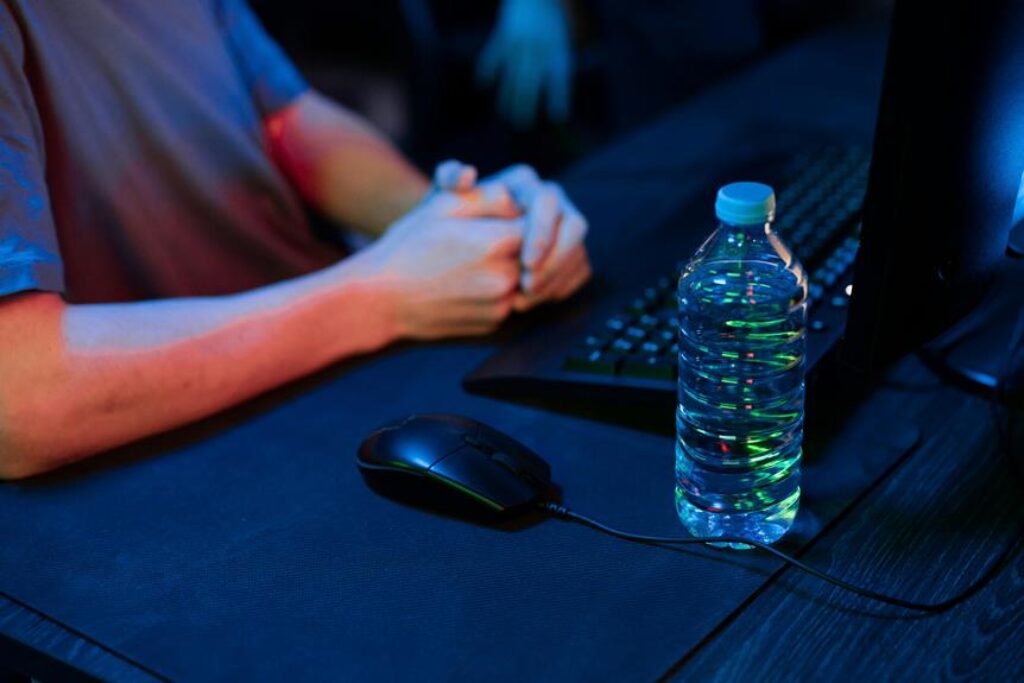
When it comes to optimizing your posture at a gaming desk, ensuring proper alignment is key. From adjusting your chair height to finding the ideal monitor position, every detail matters. But what if there was a simple yet often overlooked factor that could make a significant impact on your comfort and performance? Stay tuned to discover this game-changing element that could revolutionize your gaming setup and take your experience to the next level.
Desk Height Adjustment
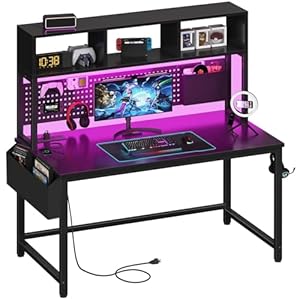
To ensure proper ergonomics and avoid strain, adjust your gaming desk height so that your elbows are at a 90-degree angle when your hands are on the keyboard and mouse. This alignment helps prevent wrist discomfort and shoulder strain.
Sit up straight with your back against the chair to maintain a neutral spine position. Your feet should rest flat on the floor or a footrest, ensuring proper blood circulation and reducing the risk of leg discomfort.
When adjusting your desk height, consider investing in an adjustable desk or a separate keyboard tray to customize the setup to your specific needs. This flexibility allows you to find the perfect height that supports your arms and wrists, preventing awkward bending or stretching.
Remember to take breaks to stand up, stretch, and walk around to maintain good circulation and reduce the risk of stiffness.
Monitor Positioning
Position your monitor at eye level to maintain proper posture and reduce neck strain during gaming sessions. Ensuring that the top of your monitor is at or slightly below eye level helps prevent you from tilting your head up or down, which can lead to neck discomfort over time.
Position the monitor directly in front of you, about an arm’s length away, to reduce eye strain and maintain a comfortable viewing angle. Adjust the monitor tilt and swivel to minimize glare and reflections, optimizing visual clarity while gaming.
To further enhance your gaming setup, consider mounting the monitor on an adjustable arm to easily position it at the perfect height and angle. This allows for greater flexibility in adjusting the monitor to your specific needs and preferences.
Remember to take breaks and look away from the screen periodically to reduce eye fatigue. By prioritizing proper monitor positioning, you can create a more ergonomic gaming environment that promotes comfort and supports your overall well-being.
Chair Ergonomics
Adjust your chair to support proper posture and prevent back strain while gaming. Start by adjusting the height of your chair so that your feet rest flat on the floor and your knees form a 90-degree angle. Ensure that your lower back is supported by the chair’s lumbar cushion or a rolled-up towel. Your chair’s armrests should be adjusted so that your arms are parallel to the ground and your shoulders are relaxed. Sit back in your chair with your back straight, and avoid slouching forward or leaning to the side.
Additionally, make sure your chair is positioned at the correct distance from your gaming desk. You should be able to easily reach your keyboard and mouse without straining or overreaching. Take breaks to stand up, stretch, and walk around periodically to prevent stiffness and promote blood circulation.
Cable Management
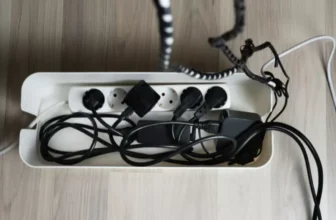
Ensure your gaming setup remains organized and clutter-free by implementing effective cable management techniques. Tangled cables not only create a visual mess but can also be a tripping hazard. Start by grouping cables together using zip ties or Velcro straps. This simple step can prevent cables from tangling and make them easier to manage.
Consider investing in cable management accessories such as cable clips, sleeves, or cable trays. These tools can help route cables neatly along the edges of your desk or along the wall, keeping them out of sight and minimizing distractions during gameplay.
Another useful tip is to label your cables. By using cable tags or color-coded labels, you can easily identify which cable belongs to which device. This will save you time when troubleshooting or reconfiguring your setup.
Regularly check and readjust your cable management system as needed. As you add or remove devices, make sure to update your cable organization to maintain a clean and efficient gaming environment. By staying on top of cable management, you can enhance the overall aesthetics and functionality of your gaming space.
Trending Products