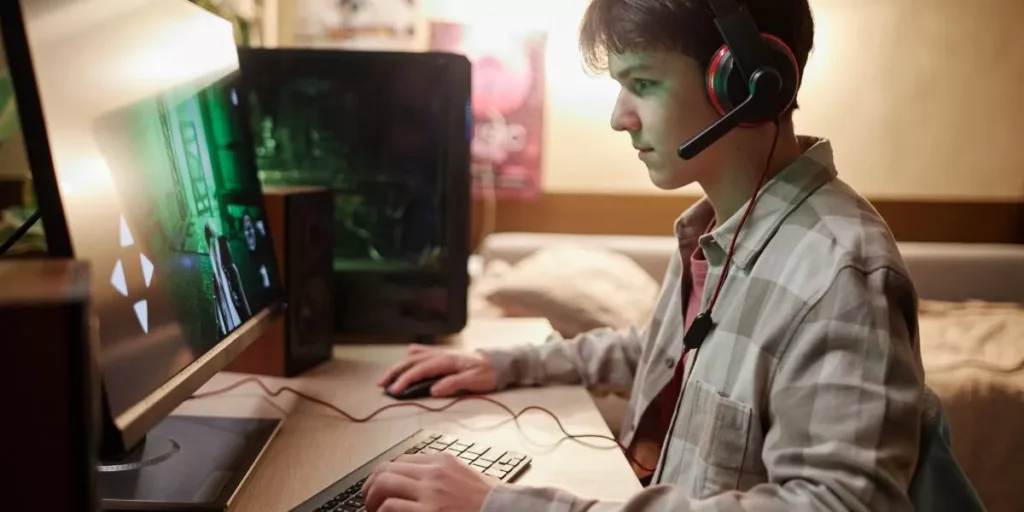
To optimize your gaming PC for maximum performance, it’s crucial to fine-tune both software and hardware aspects. By updating drivers, tweaking settings, and exploring hardware upgrades, you can unlock your PC’s full potential. But remember, there’s more to it than meets the eye. Cooling solutions and overclocking techniques play a pivotal role in elevating your gaming experience. Stay tuned to discover the intricacies of each aspect and how they can revolutionize your gaming setup.
Software Optimization
To enhance your gaming experience, consider optimizing the software on your PC. Start by updating your graphics card drivers regularly. Updated drivers can significantly improve performance and fix any compatibility issues with new games.
Next, make sure to adjust your in-game graphics settings. Lowering graphics settings can boost FPS (Frames Per Second) and make your games run smoother. You can also install a game booster software that helps optimize your system resources while gaming, enhancing overall performance.
Furthermore, keeping your operating system up to date is crucial for optimal gaming performance. Updates often include bug fixes and improvements that can positively impact your gaming experience. Additionally, consider disabling any unnecessary background programs and services while gaming. This can free up valuable system resources and prevent interruptions during gameplay.
Lastly, running regular antivirus scans and keeping your system clean from malware and bloatware is essential for maintaining a smooth gaming experience. By following these software optimization tips, you can ensure that your gaming PC is running at its best.
Hardware Upgrades
Consider enhancing your gaming PC performance through hardware upgrades. Upgrading key components can significantly boost your system’s capabilities. Start by examining your CPU and GPU. Upgrading to a newer model with better performance can lead to smoother gameplay and faster rendering times. Additionally, increasing your RAM can improve multitasking and overall system responsiveness.
Another essential hardware upgrade is installing a solid-state drive (SSD) for faster boot times and quicker loading of game files. SSDs offer a significant speed improvement over traditional hard drives. Upgrading your power supply unit (PSU) to a higher wattage can ensure stable power delivery, especially when adding more powerful components to your system.
When considering hardware upgrades, make sure your motherboard is compatible with the new components you plan to install. Research compatibility issues and ensure that your system can accommodate the upgrades. By strategically upgrading your hardware components, you can optimize your gaming PC for maximum performance and enjoy a smoother gaming experience.
Cooling Solutions
Enhance your gaming PC’s performance by exploring effective cooling solutions. Keeping your system cool is crucial for maintaining optimal performance during intense gaming sessions. One popular option is air cooling, which utilizes fans to dissipate heat from components like the CPU and GPU. Ensure proper airflow within your PC case by strategically placing fans for intake and exhaust.
For more advanced cooling needs, consider liquid cooling. This method involves circulating liquid through a system of tubes and blocks to draw heat away from components. While more complex to set up, liquid cooling can offer superior thermal performance, especially when overclocking your hardware.
Another important aspect of cooling is thermal paste. When applying or reapplying thermal paste between your CPU and cooler, ensure even coverage to maximize heat transfer efficiency. Regularly cleaning dust and debris from fans and heatsinks can also significantly improve cooling efficiency.
Overclocking Techniques
Boost your gaming PC’s performance through effective overclocking techniques. Overclocking involves pushing your hardware beyond its default specifications to gain better performance. Before starting, ensure your PC’s cooling system can handle the increased heat generated by overclocking.
Start by adjusting your CPU’s clock speed in the BIOS settings. Incrementally increase the clock speed and run stress tests to check stability. Be cautious not to push it too far, as instability can lead to crashes.
GPU overclocking follows a similar process, adjusting core and memory clock speeds. Use benchmarking tools to test performance improvements. It’s essential to monitor temperatures to prevent overheating and potential damage.
RAM overclocking can also enhance performance by increasing data transfer speeds. Adjust RAM timings and voltages carefully to avoid instability. Remember that overclocking may void warranties and reduce hardware lifespan, so proceed with caution.
With the right techniques and monitoring, overclocking can significantly boost your gaming PC’s performance.
Trending Products